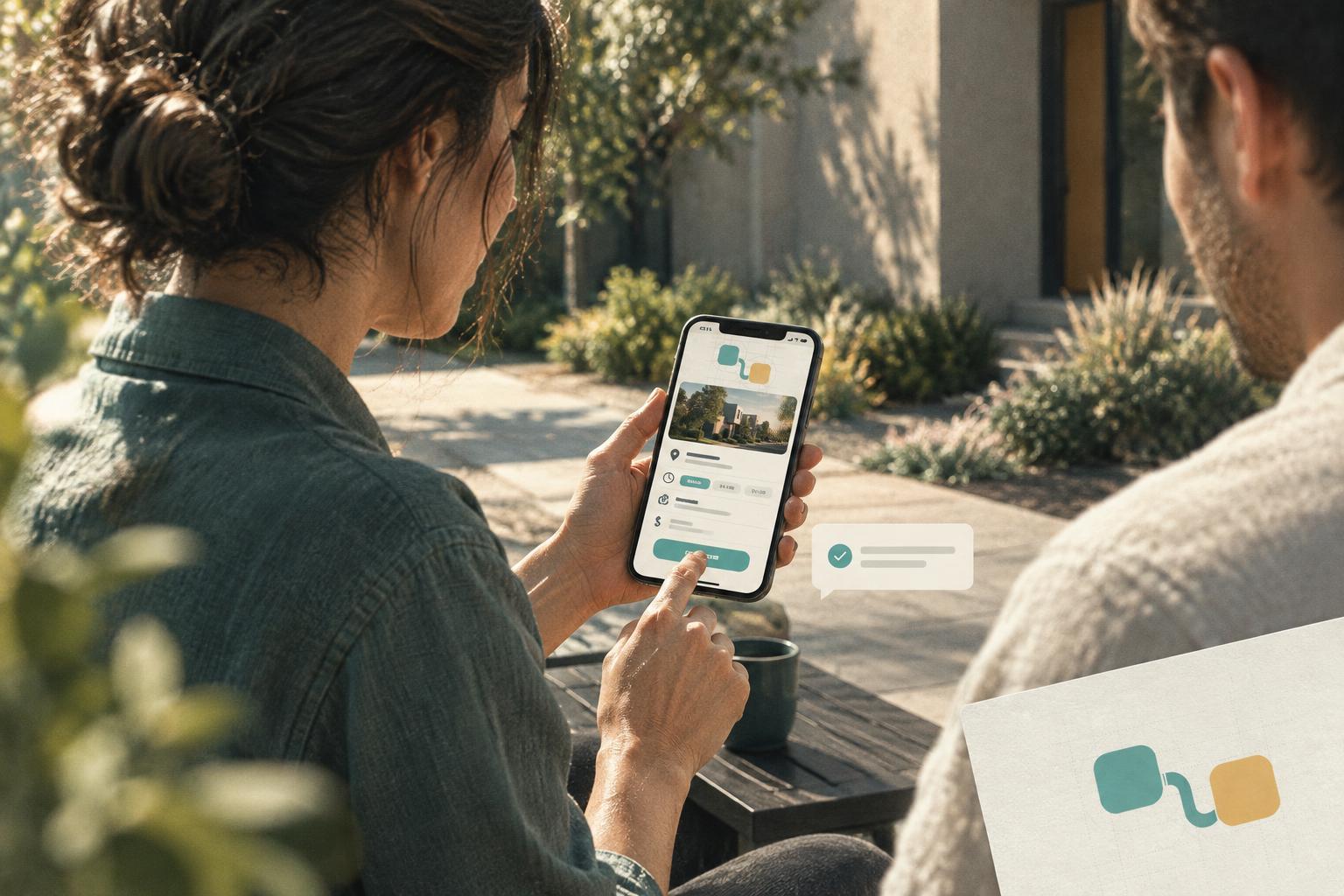
Walk through sharing the link with a customer. They can pass it to their neighborhood group chat so neighbors can see your opening.
Confirm by text
A neighbor claims; you confirm
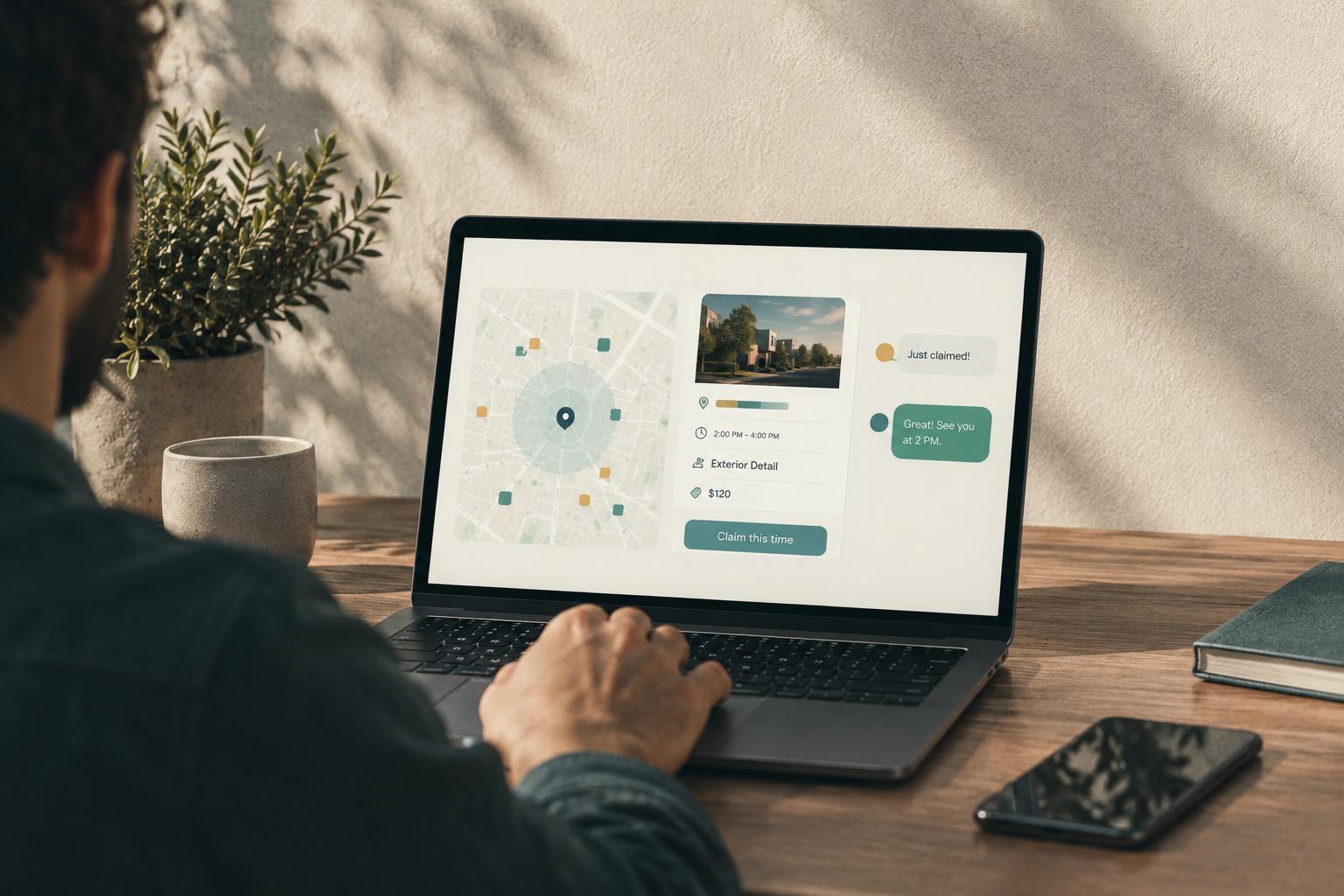
A neighbor taps “Claim this time.” You confirm by text, keeping the final conversation in your hands.
Tuesday, 12:00Example nearby opening
Details
The essentials, in one link
Give neighbors the details they need to claim an opening, without sharing your original customer's address.
A neighborhood, not an address
Show the neighborhood where you'll be working while keeping the original customer's address private.
Clear opening details
Your link brings the available time, service, and price together so a neighbor can see what's on offer.
Show your available time
Name the detailing service
Include your service price
Link creationFree
An opening near existing work
After confirming a job, share an available time in that neighborhood.
9:00 AM12:00 PM1:00 PM2:00 PM3:00 PM4:00 PM
You confirm by text
A claim starts the conversation; you confirm the appointment by text.
Can I claim the noon opening?
Confirmed. See you at noon!
A link worth passing along
Your customer can share the opening in their neighborhood group chat.
Good questions
Before you share an opening
What the guided setup includes, who it's for, and how a neighbor's claim becomes a confirmed job.
If the link is free, what am I buying?
You're buying a one-time guided setup, not the link itself. It includes a session to prepare your neighborhood, available time, service, and price, plus a walkthrough of sharing the link with a customer.
Who is this setup for?
Independent mobile detailers and small crews booking through text or Instagram. It's for sharing openings near confirmed jobs with customers' neighbors—not for replacing the text conversation that confirms a booking.
Does claiming a time automatically confirm the job?
No. A neighbor taps “Claim this time,” then you confirm by text. The claim is not the final confirmation.
Will neighbors see my customer's address?
No. The link shows the neighborhood, available time, service, and price. The original customer's address stays private.
Put a nearby opening within reach
Make nearby work work better.
Get guided help preparing your neighborhood link and walking through how to share it with a customer.